
The format picker
Pick exactly what you get
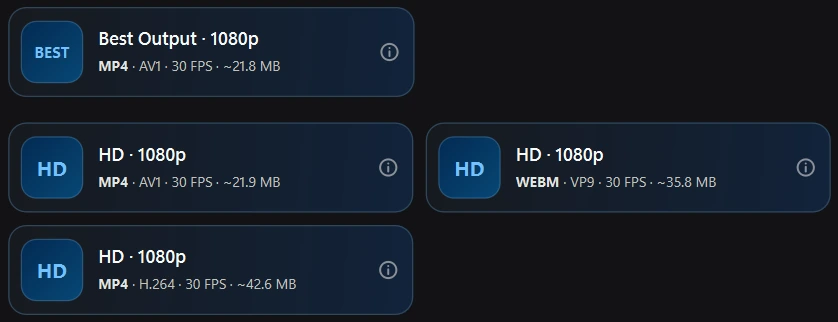
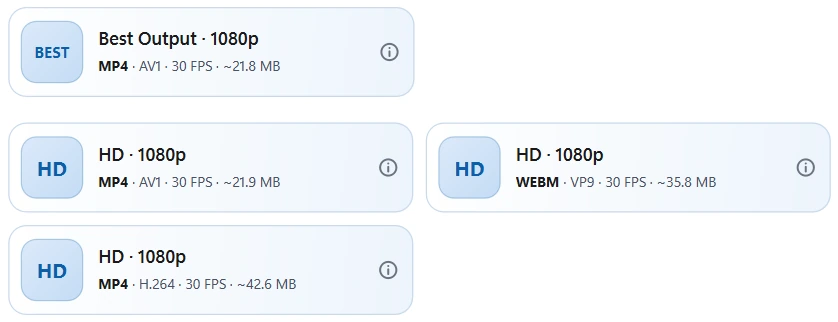
Every stream is a card with its container, codec, frame rate and size, and matching audio is already paired.
Free video and audio downloader for Windows
Download videos, music and galleries from over 1,700 supported sites. Choose the quality, save whole playlists and keep your files on your own computer.
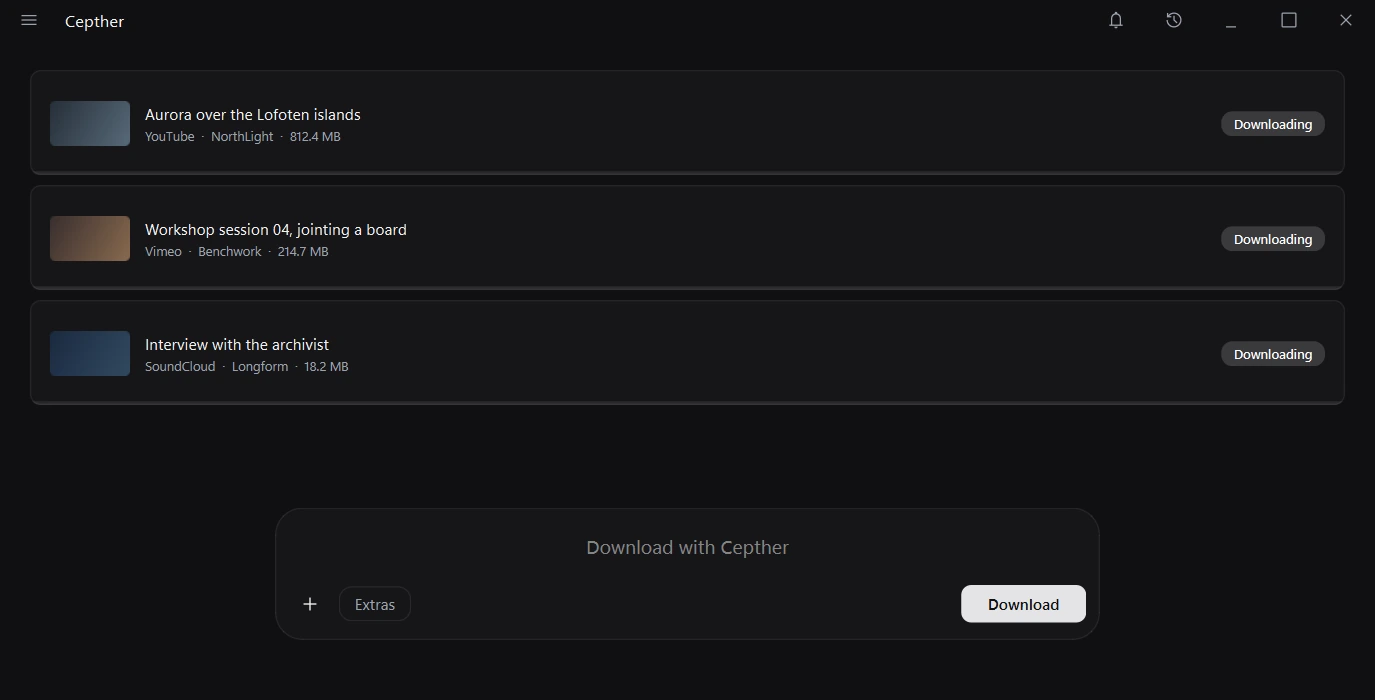
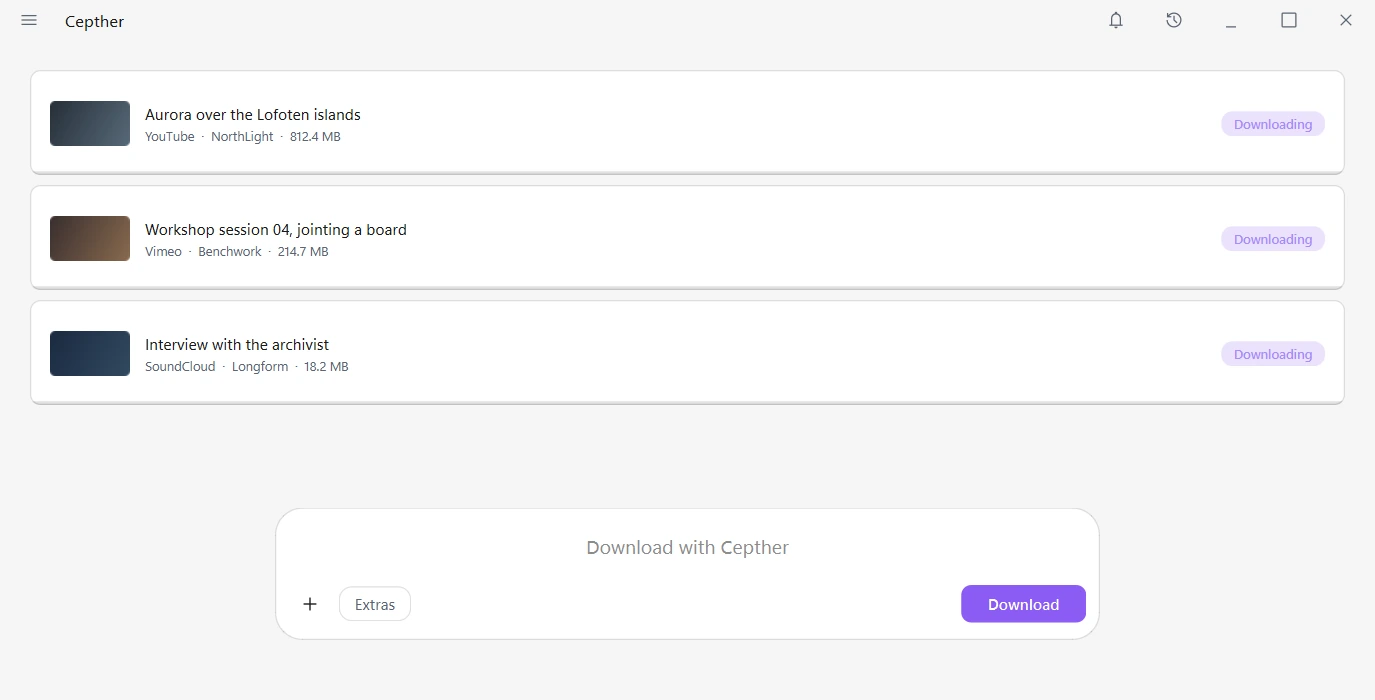
A real capture of the Cepther app, with placeholder names and links. Every picture on this page is the app itself.
What it does
Video, audio and images, with the tools to save them the way you want.
Download from supported video sites, audio services and image galleries.
Choose an available resolution and format, or take the best quality the source offers.
Download a list of links or choose items from a playlist.
Follow creators and download new uploads automatically, or receive a notification.
Save links and start downloads directly from your browser’s active tab.
Turn it on and nothing about that session is written to your history.
Use up to 16 parallel connections where supported, with an adjustable thread count.
Import or paste cookies, or make them inside the app with the built in browser. Save the settings you use for each site and reuse them with one click.
Save subtitles, add cover art and metadata, keep a clip or pick the chapters you want.
Three steps
Paste the media link into the search box.
Select Best Output or choose an available quality and format.
When it finishes, one click opens the file or the folder it went into.
Take a look
Real screens from the Cepther app, captured with placeholder names and links.
The format picker
Every stream is a card with its container, codec, frame rate and size, and matching audio is already paired.
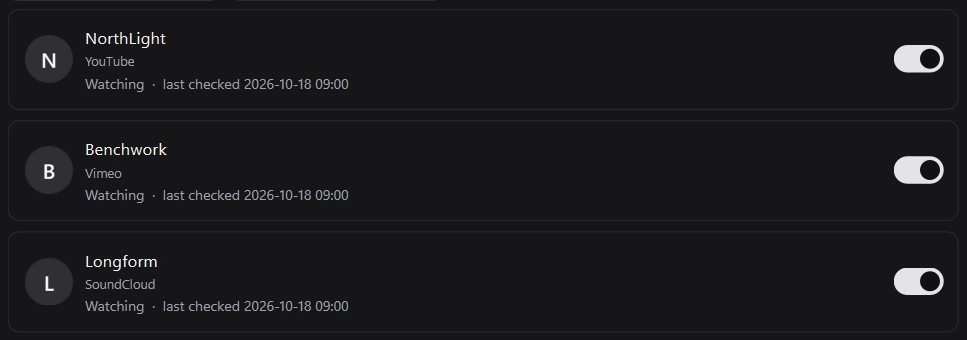
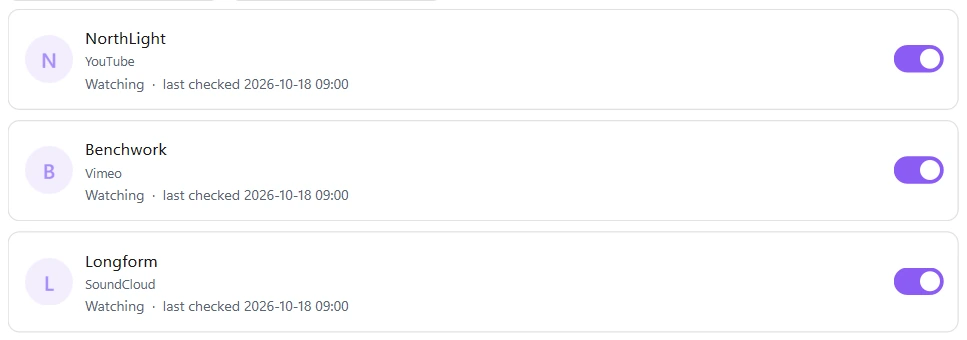
Creator Watch
Follow channels and profiles, then download new videos automatically or just get a notification.
The floating dock
A small dock reads the link from your browser, so you can save or download without switching windows.


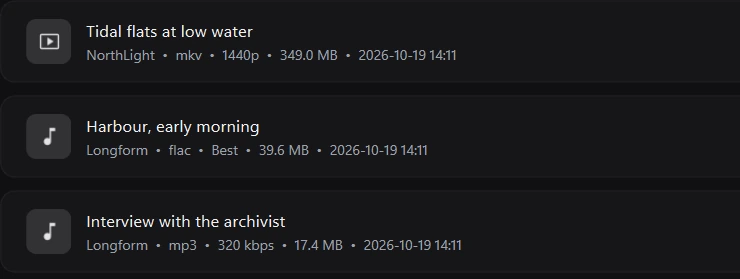
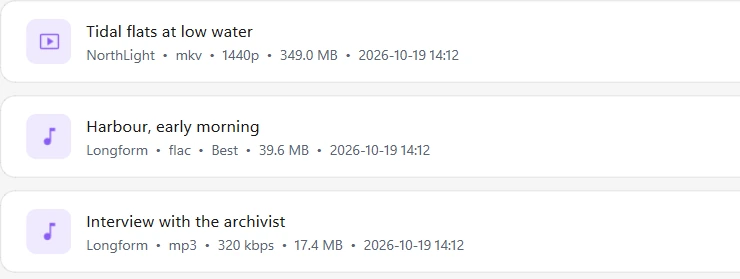
History
Search past downloads, open their folder or copy their link. It stays on your computer.
Open about it
Plain facts about how the app works, so there are no surprises.
No tiers, no ads and no account. There is no public release yet, and this page will say when there is.
A native Windows app for Windows 10 and 11, written in Python with Qt. There is no Mac or Linux version planned.
Downloads run through yt-dlp and gallery-dl, with FFmpeg, aria2c and Deno doing the rest. Their licences are on the credits page.
History, presets, saved links and your creator list are stored on your computer. There are no usage analytics.
FFmpeg, ffprobe and aria2c are pinned to fixed releases and checked against a hash. Only yt-dlp, gallery-dl and Deno check for updates.
Cepther can fetch short announcements from the project. It is on by default and you can switch it off in Settings, News.
Privacy
No usage analytics, advertising trackers or Cepther account. Downloads run on your computer and your history is stored locally.
Source sites still receive the requests needed to fetch your media. You control saved history, cookies and settings.
Download
Free for Windows. No ads or account required.
Free to download, and donating is optional. There is no public build yet, so follow progress in the changelog.
Questions
Cepther is a free Windows app for downloading video, music and image galleries from over 1,700 supported sites. You choose the quality and format, and the files are saved to a folder on your computer.
More than 1,700, including video sites, audio services and image galleries. Cepther uses yt-dlp and gallery-dl, so support follows what those tools can read.
Yes. Paste a playlist or a list of links and choose the items, or switch to audio and save as MP3, M4A, WAV, FLAC, AAC, OGG or OPUS.
No. Cepther has no usage analytics, ads or account, and your history and settings stay on your computer. It does contact the sites you download from and checks for updates to its tools. It can also fetch an announcements feed, which you can turn off in Settings, News.
Yes. There is no paid tier, no trial period, and no feature held back. It is a personal project, not a business.
Some sites require a login. Import cookies or sign in through Cepther’s built in browser for content your account can access. Cookies are stored locally and sent to the relevant site for authentication.
Check the changelog for development updates. Download files and verification details will be added when a public build is ready.
Cepther is a tool; what you do with it is on you. Respect each site’s terms of service and the copyright of the people who made what you are saving. Use it for your own content, for material you have permission to keep, or for anything in the public domain.
Not today. Cepther is built specifically for Windows and uses Windows features throughout, so there is no port planned right now.
Support toward a Mac and a new development laptop would help make other platforms possible. You can support Cepther with a tip.
The planned app updater will notify you when a release is available, and you choose when to install it. Download tools can be updated separately from Settings → Maintenance.
Downloads/Cepther by default. You can change the folder in Settings and sort files by platform, creator or media type.
Free, no ads, and nothing to sign up for.
In development · Windows 10 and 11